
Linux/Unix Filesystem Fundamentals
Linux/Unix Filesystem Fundamentals
Linux and BSD systems organize all files in a single directory tree that begins at / (the root directory). Every directory has a defined purpose—/etc contains configuration, /var contains variable data, and /home contains user files. This clear structure makes navigation consistent across Unix systems.
The Filesystem Hierarchy Standard (FHS) has defined this structure since 1994. Linux distributions largely follow this standard, while BSD systems have their own conventions based on similar principles. Log files are always located in /var/log, programs in /usr/bin, and configuration files in /etc—this predictability is fundamental to Unix systems.
Permissions using rwx for User, Group, and Others protect the system. A normal user cannot overwrite system files—even in the event of user error, the system remains stable. This concept is more than 50 years old and works reliably across all Unix variants.
This series explains the concepts independently of any specific distribution. Debian-specific paths such as /etc/apt/ or OpenBSD-specific paths such as /etc/rc.d/ are covered in the respective distribution articles.
The four articles in this series
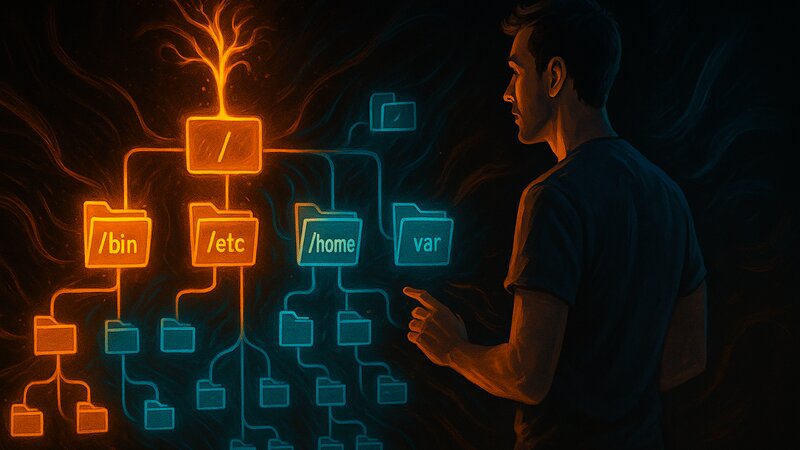
Filesystem Hierarchy: The Directory Tree
/bin, /etc, /home, /var, /usr, /tmp and their purposes. The difference between /bin and /usr/bin. The role of tmpfs and why /var is often a separate partition.

Permissions and Ownership: Access Control
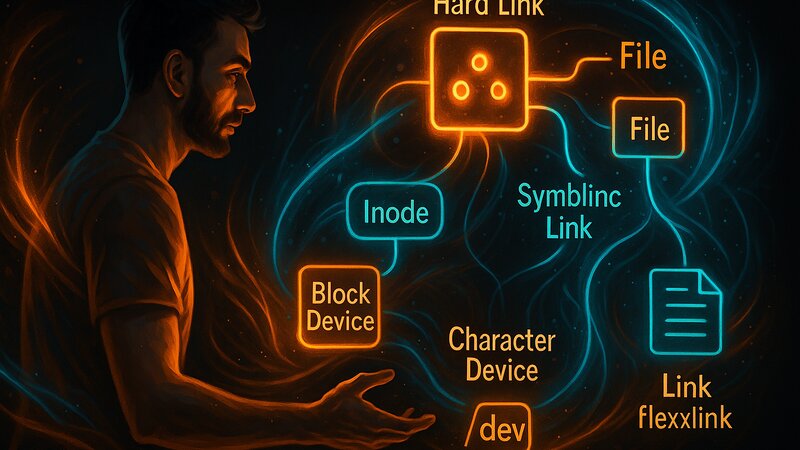
Links and File Types: Flexible Usage
/dev as device interfaces. The inode concept and when each link type is appropriate.
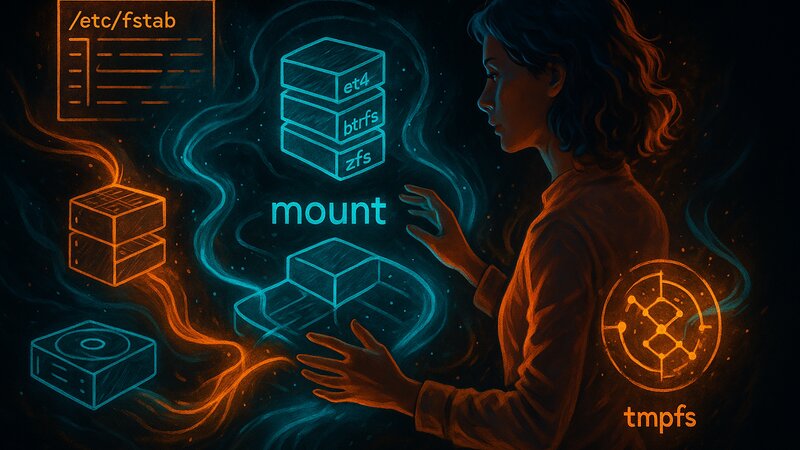
Mount Points and Filesystem Types
/etc/fstab for automatic mounting during boot. tmpfs versus persistent filesystems. Differences between ext4, btrfs, and zfs.
After These Fundamentals
With this foundation, the distribution-specific articles become easier to understand:
- Debian Fundamentals (planned) use
/etc/apt/and explain Debian-specific paths - OpenBSD Fundamentals (planned) explain
/etc/rc.d/and BSD conventions - Arch Fundamentals (planned) cover systemd paths under
/etc/systemd/
These articles assume an understanding of the filesystem and add distribution-specific details.
Related Fundamentals:
- Networking Fundamentals for service configuration
- Backup Strategies for filesystem backups