Understanding OpenBSD—not just installing it

After installation, OpenBSD enables only SSH and cron—all other services remain disabled. The system boots in 12 seconds on average hardware while using minimal memory. The kernel configuration contains no experimental features or untested code—every line undergoes manual code audits.

This article series explains the characteristics of OpenBSD for Linux-experienced users coming from other systems or looking to develop a deeper understanding of operating systems. The fundamentals differ significantly from Linux: pkg_add instead of apt, pf instead of iptables, rcctl instead of systemd, and unveil/pledge instead of SELinux.

What makes OpenBSD special?

Secure by Default means a minimal attack surface through deliberate reduction. The kernel runs without loadable modules—all drivers are compiled directly into the system. W^X (Write XOR Execute) prevents code injection through strict memory protection. Privilege Separation isolates services into separate processes with minimal privileges.

The base system contains everything required for server operation: httpd, smtpd, relayd, and ntpd. No external repository dependencies are required for core services. Updates are performed with syspatch for security fixes and sysupgrade for release upgrades. The Ports system compiles software from verified sources, with signed binary packages available as an alternative.

OpenBSD publishes new releases every six months, each supported for one year. The developers do not follow trends—features are introduced only when they are technically necessary. The RAID implementation (softraid) has existed in a stable form for years, while Linux has shifted between mdadm, LVM RAID, and btrfs RAID.

The systematic structure

Installation proceeds through a text-based dialog with clear questions: hostname, networking, partitioning, sets, and configuration. The installer is built from shell scripts, making every step transparent and modifiable. Automatic partitioning creates sensible defaults: separate /tmp, /var, /usr, and /home partitions using Softdep and NoExec where appropriate.

Package management distinguishes between the base system and packages. pkg_add installs signed packages, pkg_info displays dependencies, and pkg_delete removes packages cleanly. The Ports system compiles software from source using optimized CFLAGS. Signatures verify every download against public keys included in the base system.

The pf firewall uses stateful filtering with a straightforward syntax: pass/block, in/out, quick, on interface. Tables store dynamic IP lists, while anchors enable modular rule sets. NAT and load balancing integrate directly into the firewall ruleset without requiring separate tools.

Who is this series for?

The articles are intended for technically experienced users with Linux backgrounds:

Linux users migrating to OpenBSD who want to understand OpenBSD’s security architecture. Why does memory protection work differently? Why are container technologies absent? How does vmm(8) replace KVM virtualization?

Security-conscious administrators who want to build systems with minimal attack surfaces. Which services does OpenBSD enable by default? How does privilege separation work in practice? What distinguishes pledge/unveil from other sandboxing mechanisms?

Systemd critics who want to understand an alternative init system. How does rcctl manage services without complex unit files? Why does OpenBSD boot faster than systemd-based systems? How do dependencies work without declarative targets?

Networking specialists who want to learn the concepts behind pf. Packet Filter works differently from Netfilter, but the underlying principles remain the same. Stateful filtering, NAT, and load balancing with a clear and readable syntax.

Overview of the 13 articles

System Fundamentals

OpenBSD Introduction: Security Begins with Design
OpenBSD Introduction: Security Begins with Design

Design principles, Secure by Default, code audits, the OpenBSD philosophy, and the fundamental concepts behind the operating system.
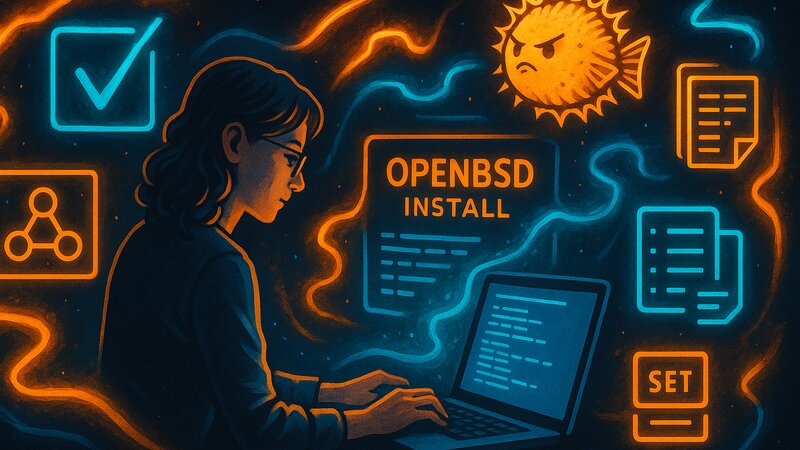
Installation and First Steps: Setting Up the System

Installation and First Steps: Setting Up the System

Download, signature verification, installation dialog, partitioning, set selection, and rc.conf configuration for the first system startup.

Configuration and Administration

System Configuration: Networking, Time, and Permissions

System Configuration: Networking, Time, and Permissions

Network configuration with hostname.if, time zone settings, doas configuration, sysctl tuning, filesystem layout, and local customization.
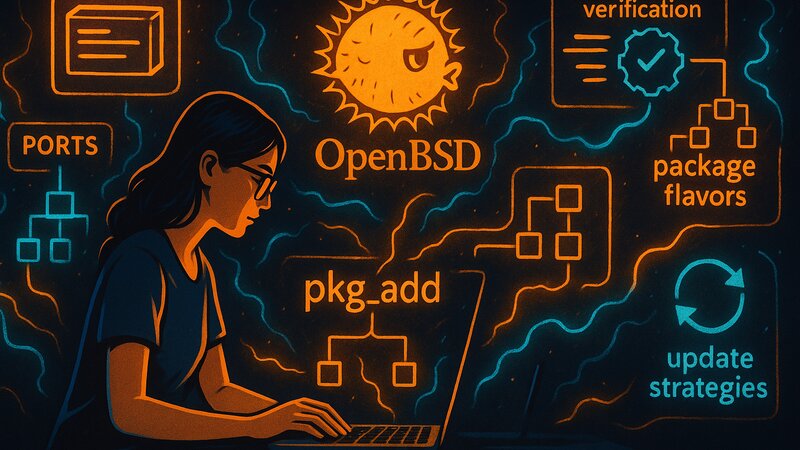
Package Management: pkg_add, Updates, and Ports

Package Management: pkg_add, Updates, and Ports

pkg_add/pkg_delete/pkg_info, signature verification, mirror configuration, package flavors, and update strategies.

Security and Networking

Security Architecture: pledge, unveil, and W^X

Security Architecture: pledge, unveil, and W^X

Privilege Separation, securelevels, W^X protection, pledge/unveil system calls, randomization, the cryptography stack, and kernel hardening.
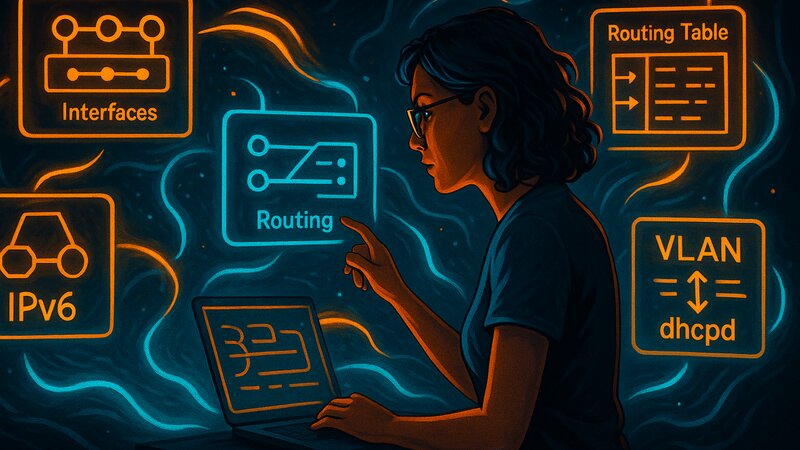
Networking and Routing: Interfaces, IPv6, and dhcpd

Networking and Routing: Interfaces, IPv6, and dhcpd

Routing (static/dynamic), routingd (OSPF/BGP), DHCP server (dhcpd), IPv6, and troubleshooting.

Firewall with pf

Firewall Fundamentals: The pf Philosophy and Filter Rules

Firewall Fundamentals: The pf Philosophy and Filter Rules

The pf philosophy, pf.conf structure, filter rules, macros, and policy design principles for stateful packet filtering.
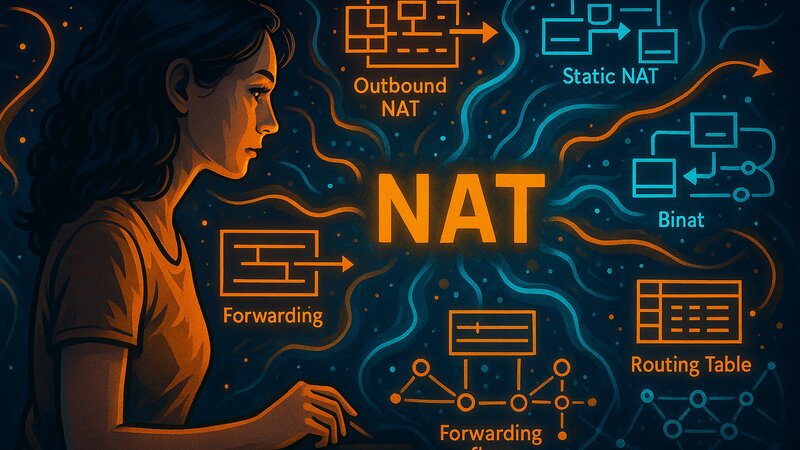
NAT and Port Forwarding: Network Translation with pf

NAT and Port Forwarding: Network Translation with pf

NAT concepts, outbound NAT, port forwarding, static NAT/binat, and routing integration for gateway setups.
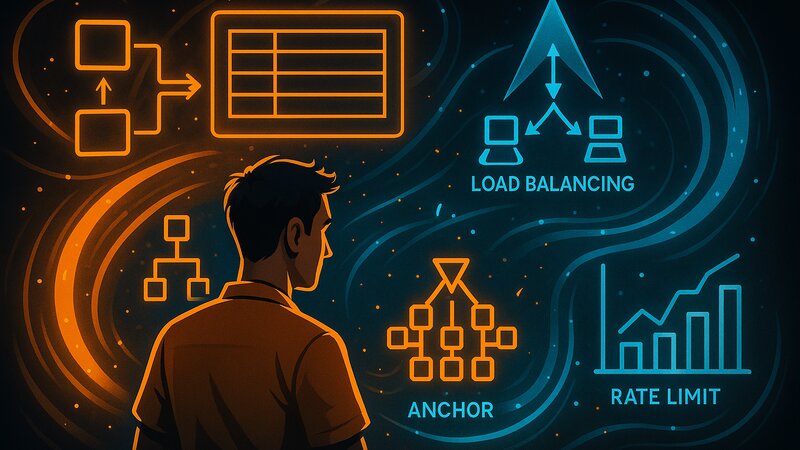
Advanced pf Concepts: Tables, Anchors, and Load Balancing

Advanced pf Concepts: Tables, Anchors, and Load Balancing

Tables, anchors, load balancing, rate limiting, and integration with services for complex firewall deployments.

Services and Operation

Services and Daemons: httpd, smtpd, and relayd

Services and Daemons: httpd, smtpd, and relayd

Base system services: the httpd web server, smtpd mail server, relayd reverse proxy, ntpd time synchronization, syslogd logging, and service hardening.
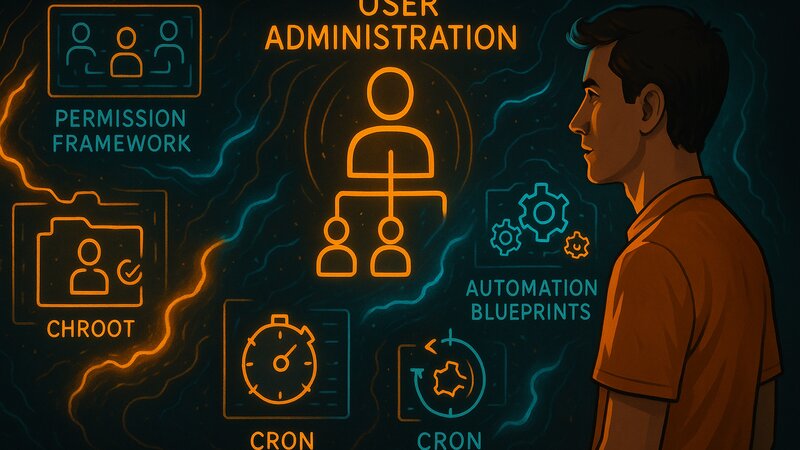
Users and Automation: Administration, cron, and rc Scripts

Users and Automation: Administration, cron, and rc Scripts

User administration, groups, login classes, chroot isolation, doas versus sudo, rcctl service management, cron jobs, and automation strategies.

Virtualization and Maintenance

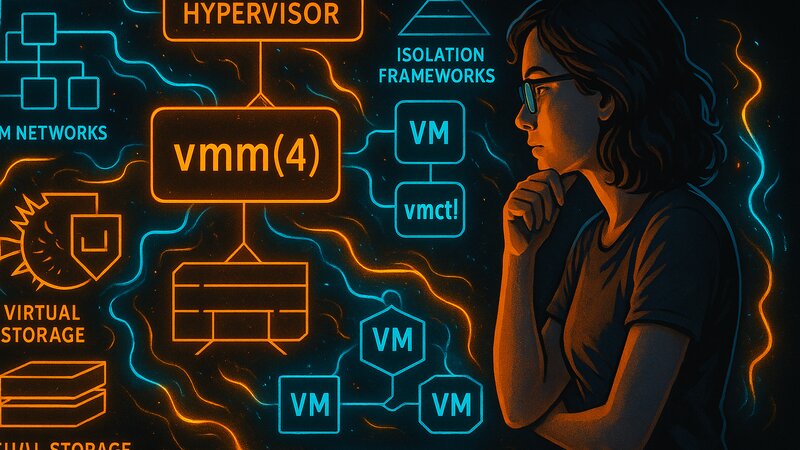
Virtualization with vmm: The Native Hypervisor Solution

Virtualization with vmm: The Native Hypervisor Solution

The vmm(4) hypervisor, the vmd(8) daemon, vmctl management, VM networking, storage options, differences from KVM/Docker, and performance.
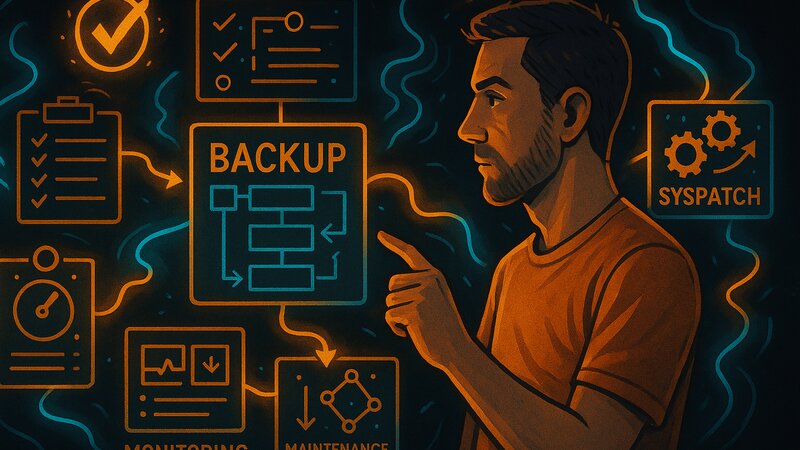
Backups and Maintenance: dump, syspatch, and Monitoring

Backups and Maintenance: dump, syspatch, and Monitoring

dump/restore backups, tar/rsync alternatives, snapshots, integrity verification, syspatch security updates, sysupgrade release upgrades, and system monitoring.

Technical Focus and Scope

This series focuses on OpenBSD-specific system administration. These fundamentals differ fundamentally from Linux distributions.

Core topics covered:

  • OpenBSD base system and philosophy
  • pkg_add package management versus Linux package managers
  • pf firewall versus iptables/nftables
  • rcctl service management versus systemd
  • pledge/unveil versus SELinux/AppArmor
  • vmm virtualization versus KVM/Docker

Related fundamentals series:

OpenBSD Fundamentals provide the foundation for more specialized topics:

  • OpenBSD as a Desktop: X Window System, window managers, office tools (separate series)
  • Networking Fundamentals: TCP/IP concepts that apply to all systems (in progress)
  • Backup Strategies: General backup concepts (planned)

Other Operating System Fundamentals:

  • Debian: APT, systemd, and the Stable release model (currently being revised)
  • Arch: pacman, the rolling release model, and the PKGBUILD system (planned)

Typical OpenBSD Setups

OpenBSD Fundamentals provide the foundation for systematic server configuration. A typical setup uses:

  • Base system services: httpd as the web server, smtpd for mail, and relayd as a reverse proxy
  • pf firewall: Stateful filtering, NAT for private networks, and load balancing
  • Minimal packages: PostgreSQL and Redis only when needed—the base system covers standard requirements
  • vmm virtualization: Isolated virtual machines for different services or test environments

OpenBSD’s httpd provides native FastCGI support for PHP and Python applications. smtpd handles email without requiring a complex Postfix configuration. relayd terminates SSL connections and forwards requests to backend services—all provided by the base system without external dependencies.

Structural Continuity and Reference Function

Each article builds systematically on the previous ones while also serving as an independent reference. Later service installation articles refer directly to the relevant foundational topics.

This structure avoids redundancy between the fundamentals and service-specific guides. The OpenBSD concepts provide a solid foundation for solving problems independently.